Importing
Ellie shows a clear progress state while the link is accepted and queued for processing.

iOS Share Sheet
You do not need a new browsing habit. Send the public post or page to Ellie from the apps you already use.
Three quick steps
1. Open a public post, video, or webpage.
2. Tap Share, then choose Ellie.
3. Keep browsing while Ellie imports and enriches the save.
If Ellie is not visible, scroll to More in the Share Sheet and add Ellie to Favorites.
Ellie shows a clear progress state while the link is accepted and queued for processing.
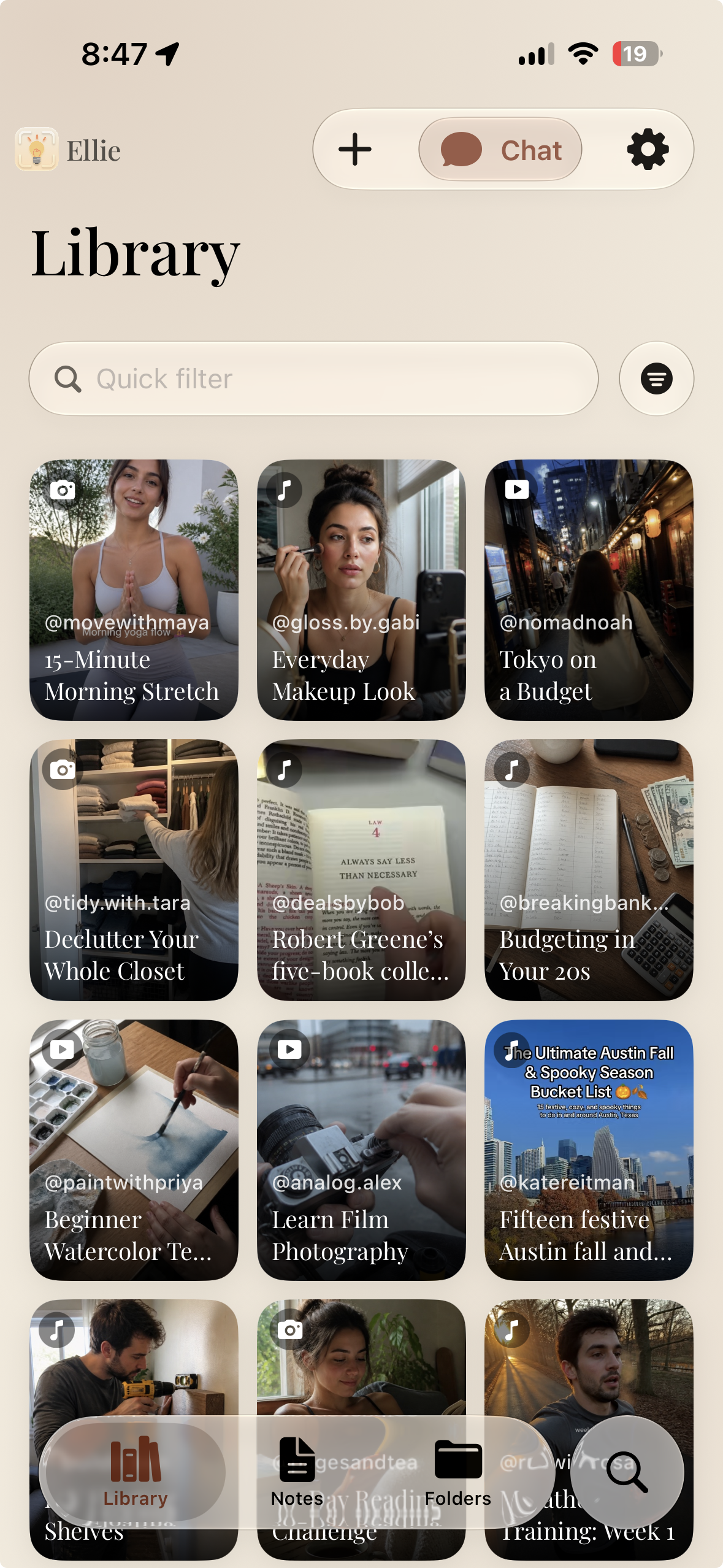
The new item appears in your library, then fills in with available metadata, summary, takeaways, tags, and transcript.
If a link is private, unsupported, unavailable, or temporarily fails, Ellie explains the error so you can retry.
Some sources do not provide captions or transcripts. Ellie keeps the original link and uses the information the source makes available.