
Install TestFlight
Download Apple’s free TestFlight app from the App Store, then return to this page.
Get TestFlight
For our friends & family
We’d love for you to try Ellie! It keeps your saved videos in one place. It’s free for you. Tell us what you think.
Open this page on your iPhone. You’ll need TestFlight, Apple’s app for trying apps before they launch.
Download Apple’s free TestFlight app from the App Store, then return to this page.
Get TestFlightTap the button below, accept the invite, and tap Install. Then open Ellie and sign in.
Join the betaOnce you’ve downloaded Ellie, go through setup until you see the subscription screen. Please try both modes. Testing both helps us out!
First, try Free mode: tap the X on the subscription screen and have a look around.
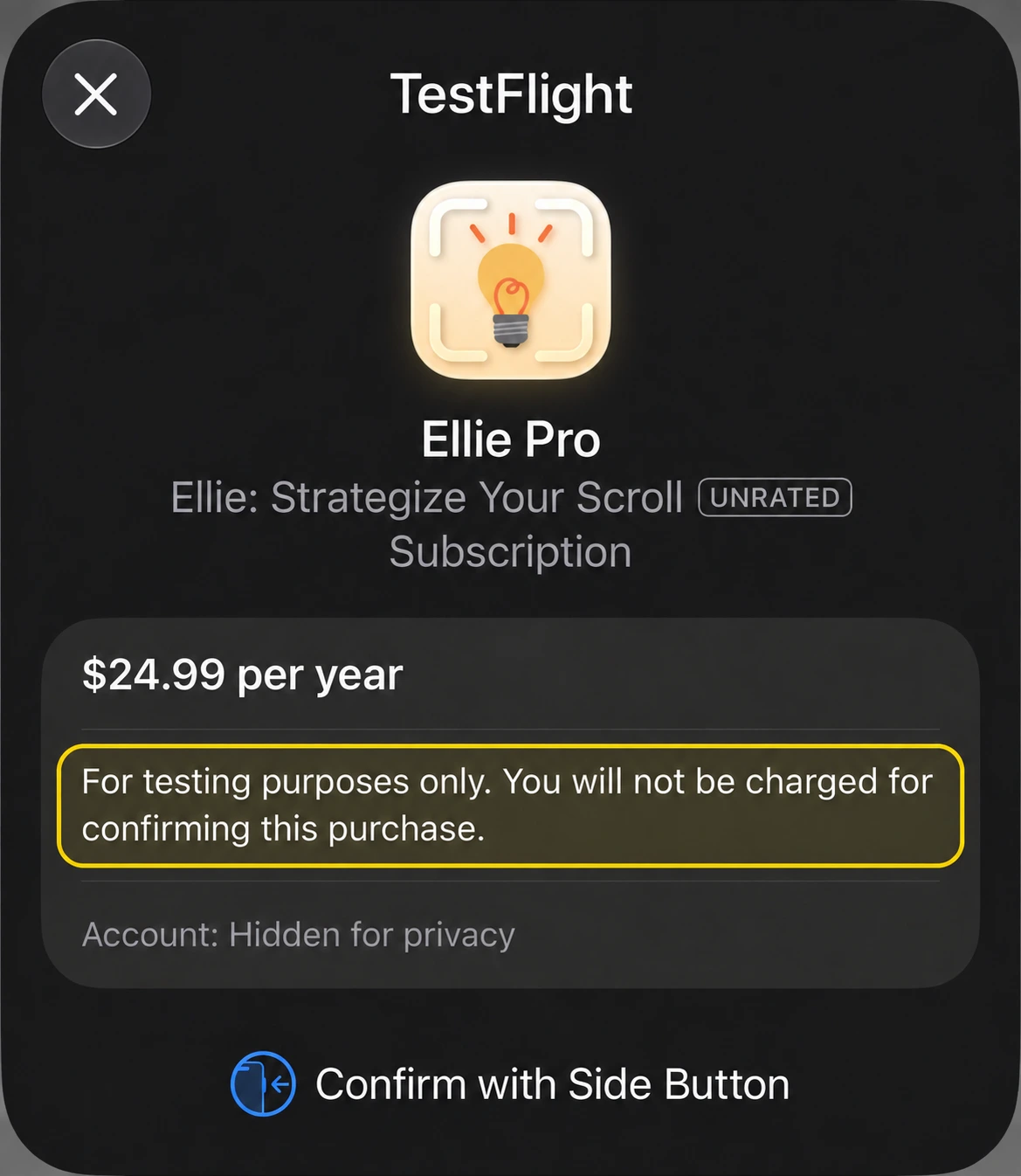
Then, try Pro mode for free: open Settings in Ellie, tap the Pro upgrade, and check out just like you’re buying.
Checking out in TestFlight WON’T charge you. These purchases are only for testing.
Look for this message on the confirmation screen:
“For testing purposes only. You will not be charged for confirming this purchase.”
Confirm with your side button when prompted, and you’re in!
One-time setup
Open Ellie and sign in, then follow these pictures. You only need to do this once.
In Safari, tap the square with the arrow pointing up. In TikTok or Instagram, tap Share first, then look for More or Share to.

Swipe left along the app icons until you reach More. Tap it.

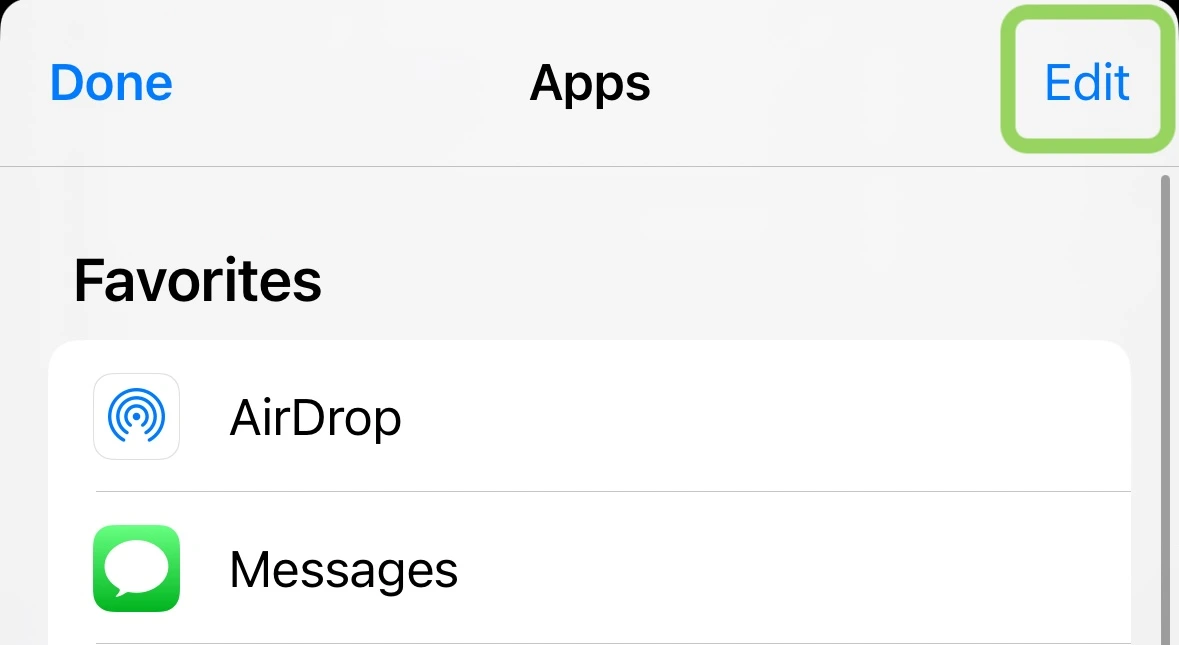
Tap Edit in the top-right corner.
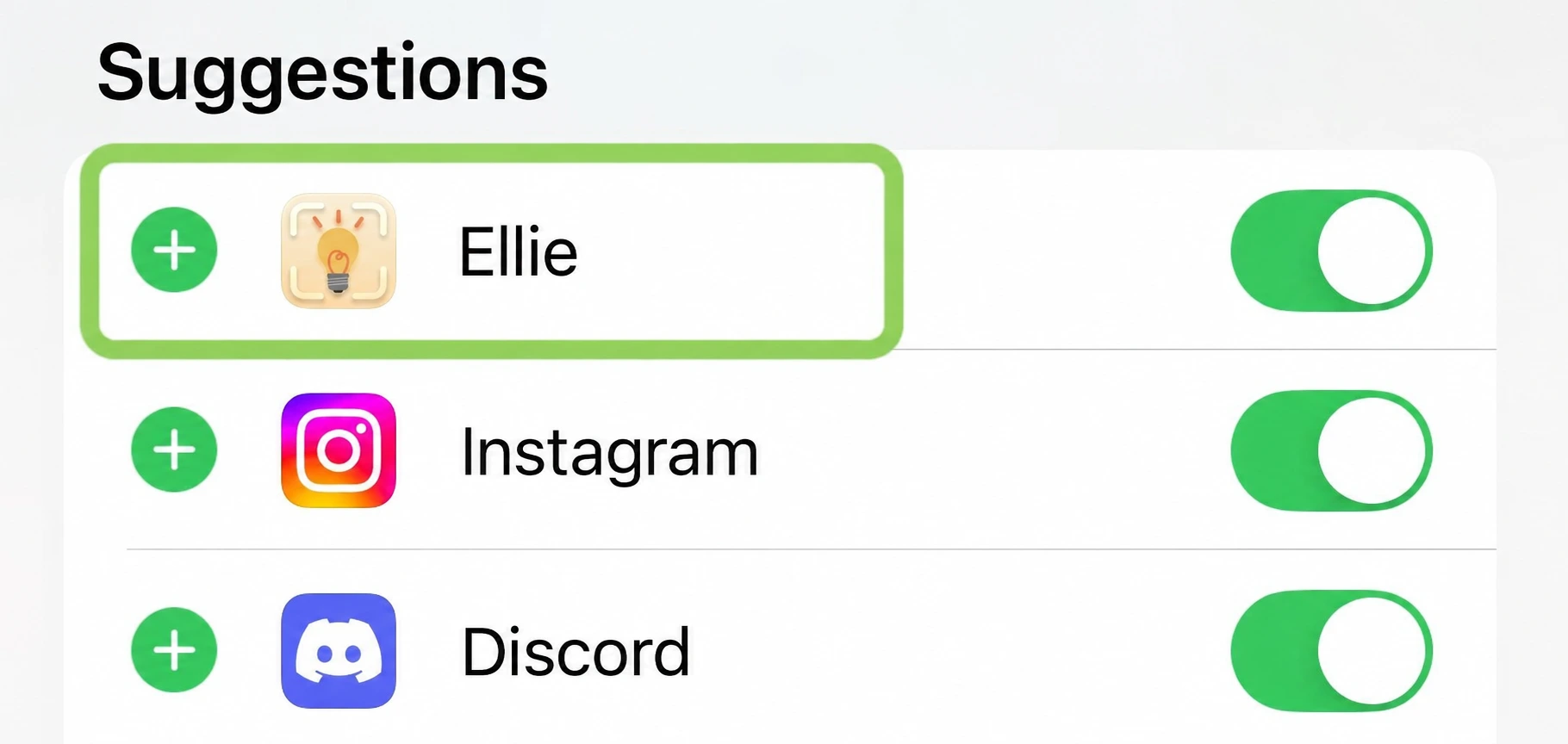
Find Ellie, turn its switch on, and tap the green + next to it.
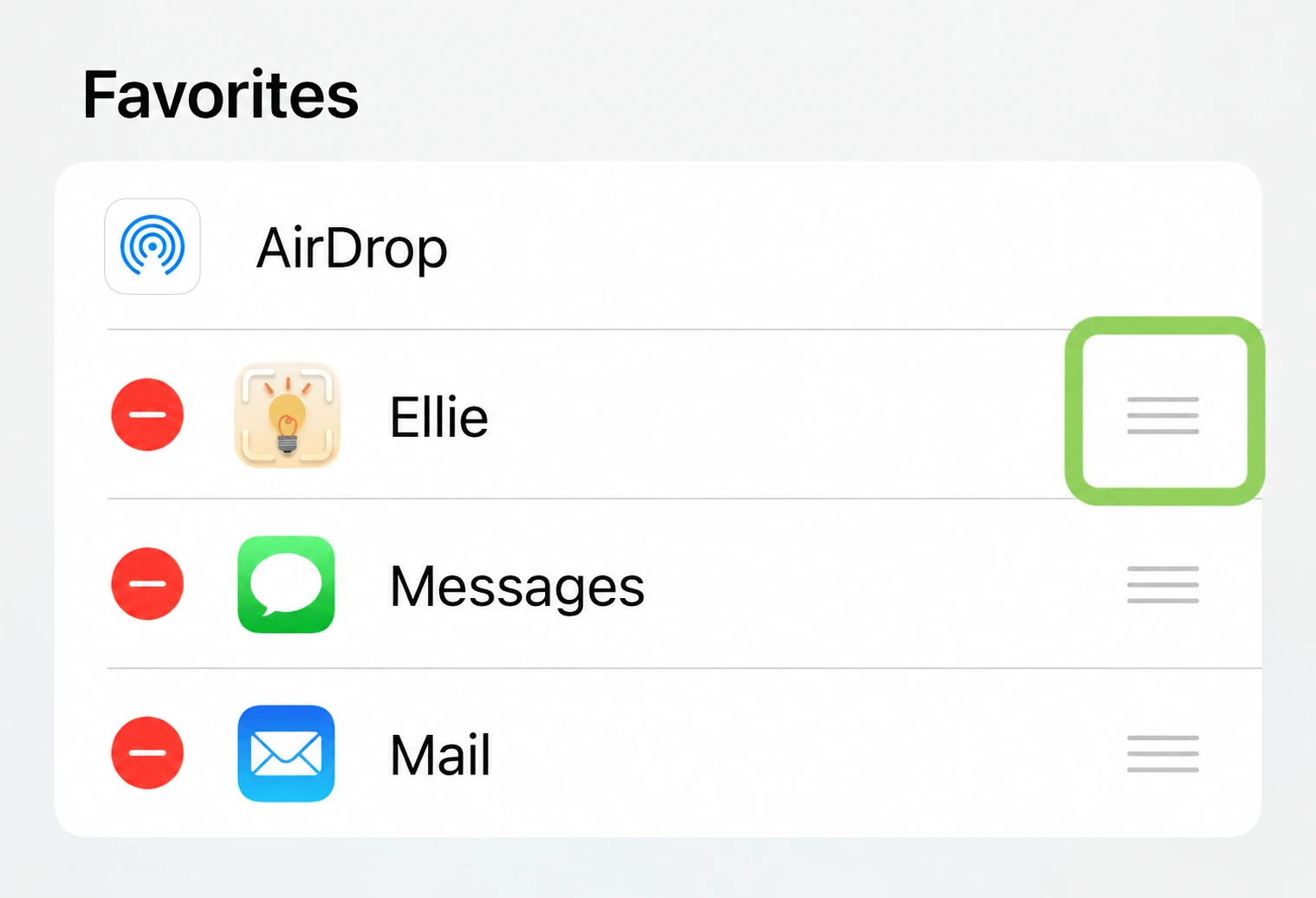
Hold the three lines next to Ellie and drag it near the top, below AirDrop. Tap Done, then Done again. All set!
No homework. Just have a look around!
Save a video from TikTok, Instagram, or YouTube.
Read the summary. Did Ellie get it right?
Find it again with search, or pop it in a folder.
Ask Ellie a question about something you saved.
What did you like? What was confusing? Did anything break?
Just send either of us a text. Screenshots are welcome!
Thanks for helping us out. Lots of love,